
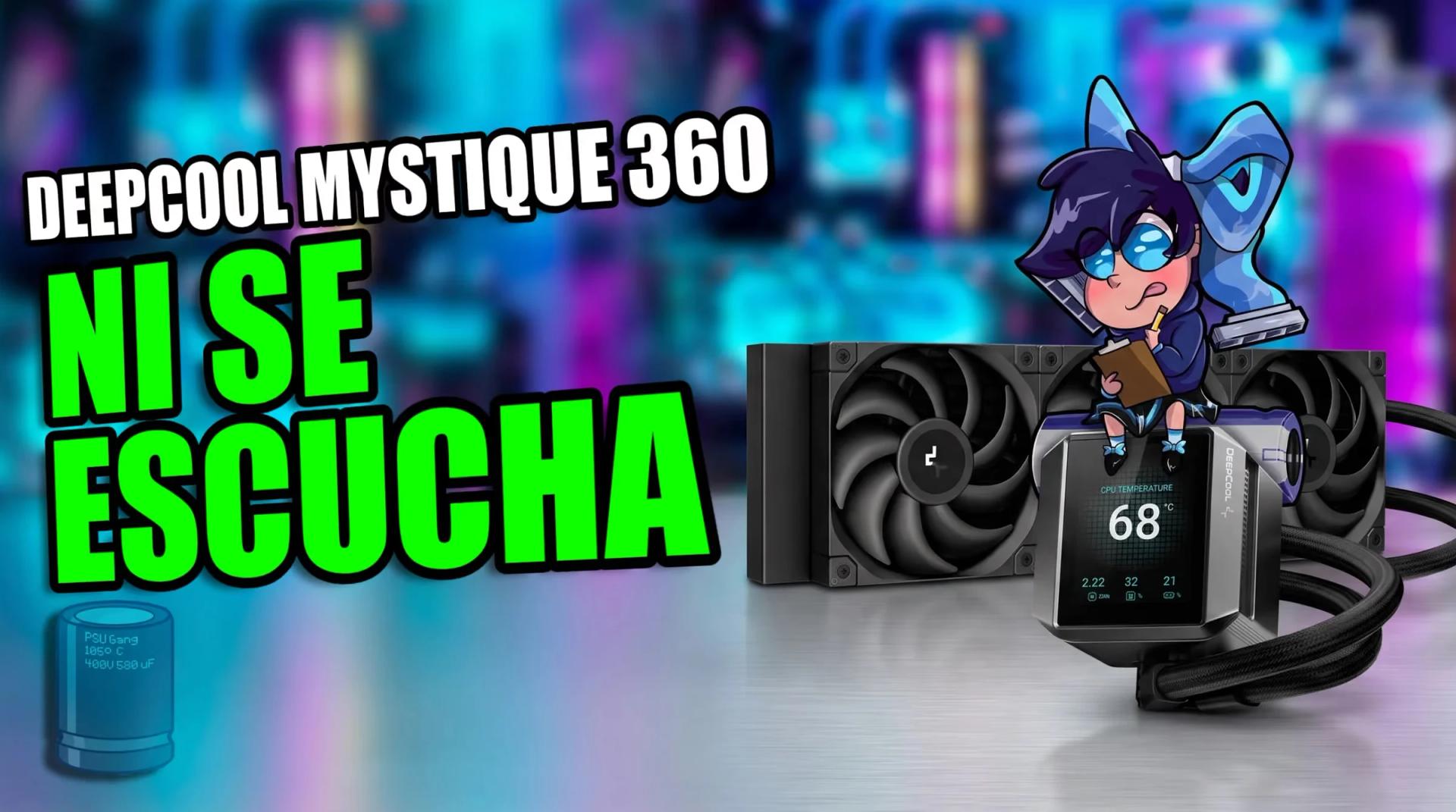
We test the DeepCool MYSTIQUE 360
Is it worth making the jump to a 360mm liquid cooler with a built-in display, or is it pure decoration to inflate the price? DeepCool MYSTIQUE 360, a system that promises to combine premium aesthetics with its 2.8-inch LCD panel, fifth-generation pump and a radiator with an anti-leak valve, put under stress with normalized noise on a Ryzen 5 7600 pushed to the limit.
By Daniel Suarez6 min read
In this article
We have all had the thought when building a computer: you see those builds full of custom screens and it's inevitable to want one in your own case. But when your processor starts demanding more dissipation and you feel that a 240mm cooler like the classic LE240 falls short, the big doubt arrives: does paying for an LCD screen mean sacrificing thermal efficiency, or paying a surcharge for a toy?
The DeepCool MYSTIQUE 360 arrives precisely to position itself in that space: offering impeccable aesthetics without neglecting raw performance. We mounted it in the studio to push it hard in heavy synthetic stress tests as well as in demanding CPU gaming, measuring its behavior with normalized noise to see whether it truly delivers what it promises.
First let's talk about that LCD screen and why it's not just a decoration to put monas chinas on
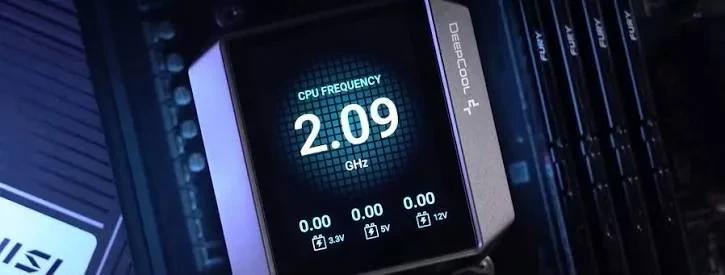
Far from being a simple visual whim, the pump block integrates several practical functions that are appreciated day to day:
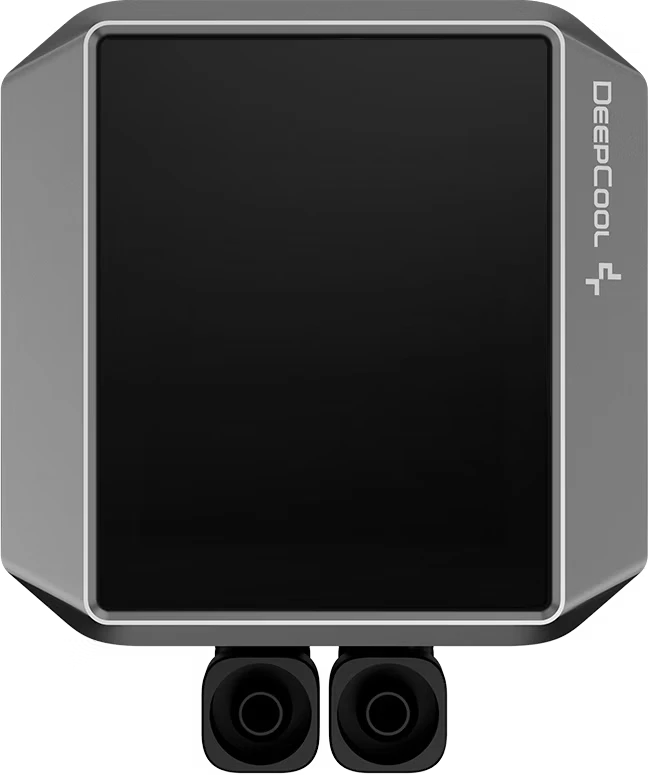
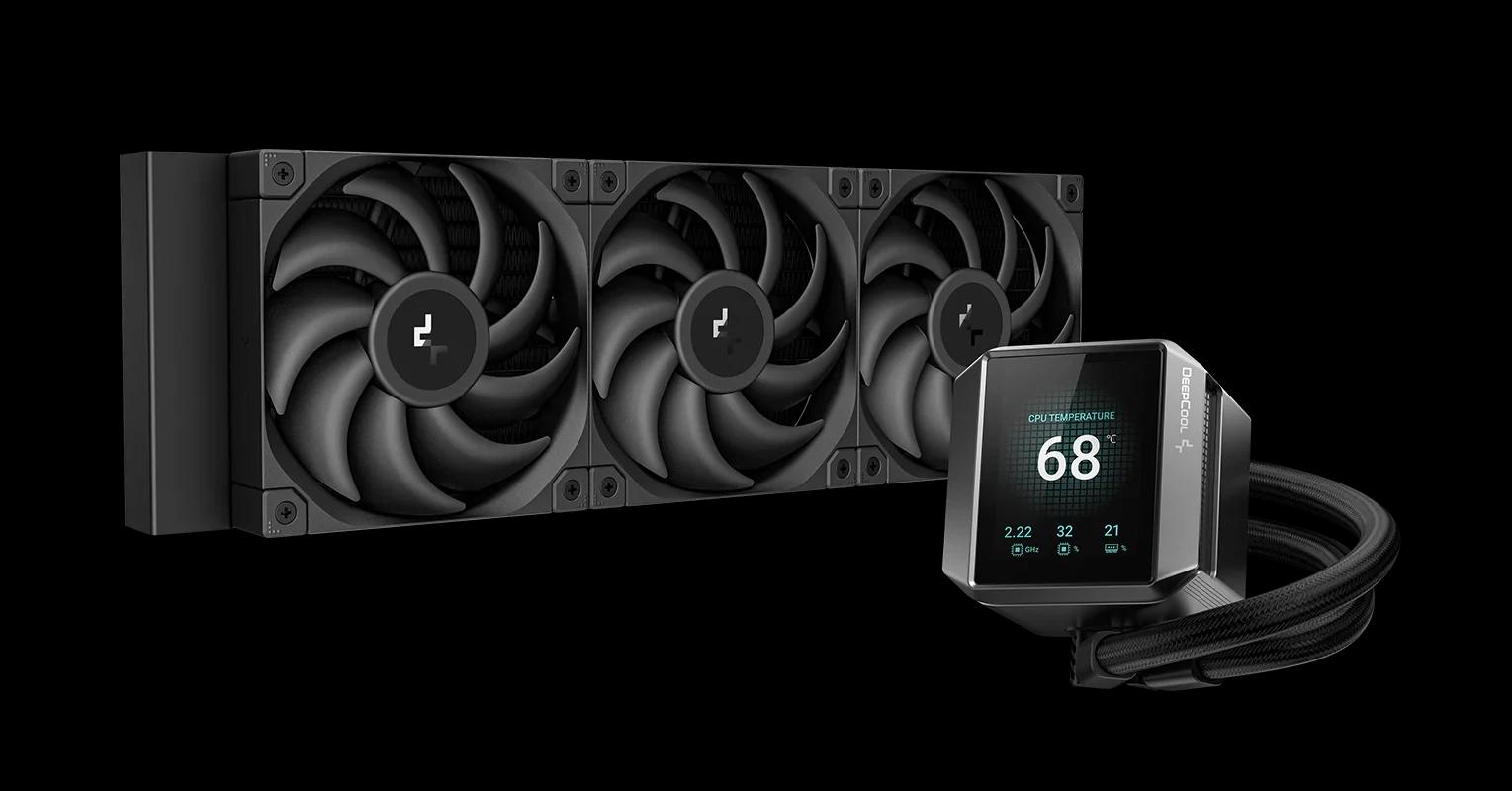
- From its 2.8-inch LCD panel with 640x480 resolution which doesn't seem like much but.. it is for the size. It offers quite clean sharpness and enough to read data effortlessly through the tempered glass.
- With a built-in gyroscope so you don't have to worry about orientation so you no longer have to rack your brain planning how to route the tubes for fear the screen will come out crooked or upside down, since the sensor automatically rotates the interface according to the block's position.
- Allowing you to monitor the vital data of your build because you can display in real time the processor temperature, its clock frequency, the fan speeds or the pump RPM, in addition to syncing images and GIFs with the ARGB lighting.
- And with a recording mode that is quite useful for diagnosing since the software lets you graph the CPU temperature and frequency history for up to 7 continuous minutes, which is pure gold if you want to hunt down drops from thermal throttling or see how a freshly installed game stresses the processor without having to deal with invasive interfaces like RivaTuner over the screen.
+-------------------------------------------------------------------------+
|                            ESPECIFICACIONES TÉCNICAS                    |
+--------------------------+----------------------------------------------+
| Componente Evaluado      | Especificación de Fábrica                    |
+--------------------------+----------------------------------------------+
| Pantalla del Bloque      | TFT-LCD 2.8" (640x480) con Giroscopio        |
+--------------------------+----------------------------------------------+
| Motor de la Bomba        | 5ta Gen DeepCool, Trifásico (3400 RPM máx)   |
+--------------------------+----------------------------------------------+
| Ventiladores Incluidos   | 3x DeepCool FT12 SE PWM (Rodamiento FDB/PBT) |
+--------------------------+----------------------------------------------+
| Rango de Operación Fans  | 500 a 2500 RPM | 72.45 CFM | 4.32 mmAq       |
+--------------------------+----------------------------------------------+
| Seguridad del Radiador   | Válvula de alivio Anti-Leak patentada        |
+--------------------------+----------------------------------------------+
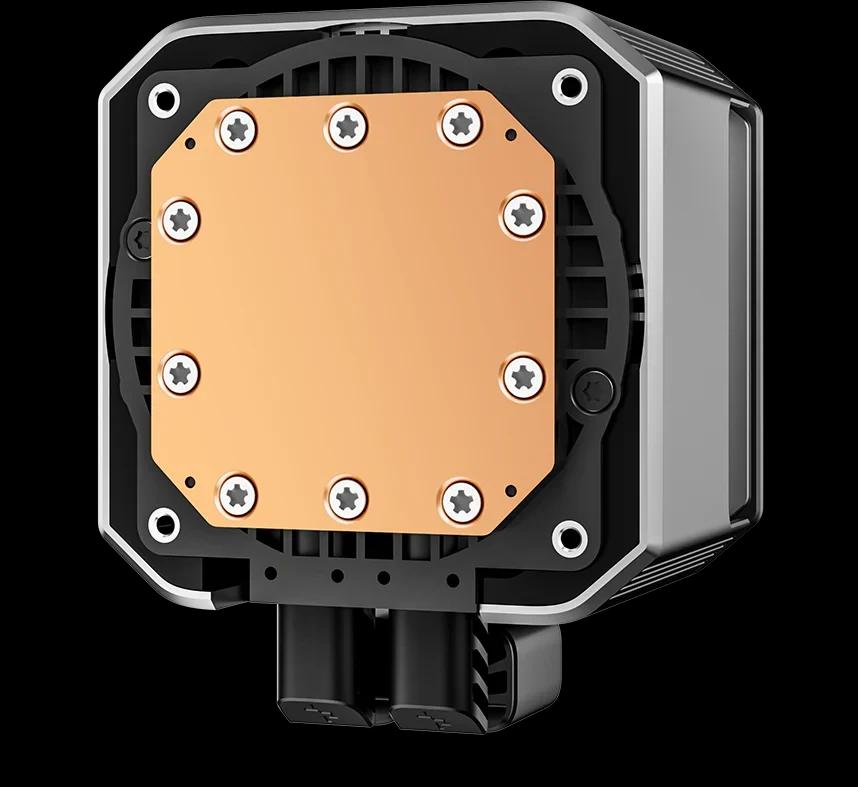
| Compatibilidad           | Intel LGA1851/1700/1200 | AMD AM5/AM4        |
+--------------------------+----------------------------------------------+
Fifth-generation pump and FT12 fans
Behind the screen, what matters is still the internal plumbing and the mechanical capability of its components:
- With a fifth-generation pump that spins up to 3400 RPM: It uses a three-phase motor with 2 pole pairs and 6 slots; it does not reinvent the wheel, but relies on a proven, durable design with very low vibration levels that the brand already knows.
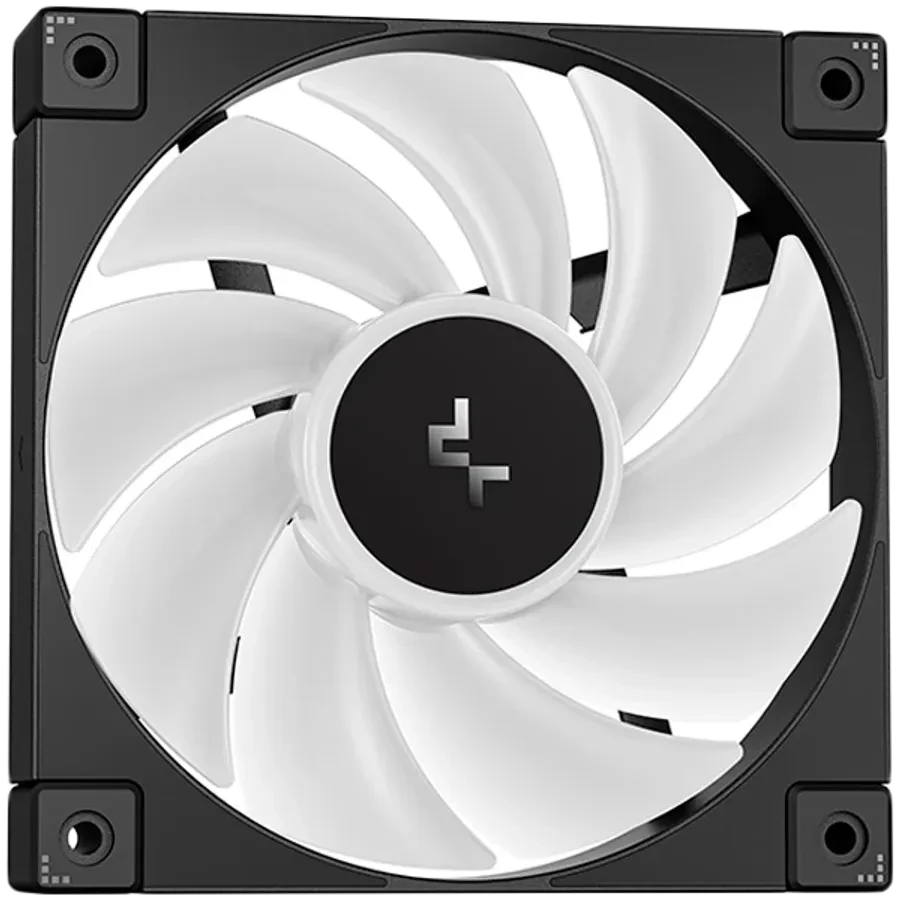
- Accompanied by three FT12 fans built from PBT: They have hydraulic bearings, rubber corners to absorb mechanical vibrations, and deliver a notable static pressure of up to 4.32 mmAq to push through the radiator fins without choking.
- And its Anti-Leak technology in the radiator: It incorporates an internal elastic rubber valve that contracts when the internal pressure of the hot liquid exceeds atmospheric pressure, releasing excess air and preventing the liquid from seeking cracks through which to leak over the years.
Normalized noise and the sweet spot
To evaluate real performance we mounted the liquid cooler on an AMD Ryzen 5 7600 with a fixed overclock at 5.3 GHz consuming 120W continuously, under a controlled ambient temperature of approximately 24°C.
Rather than limiting ourselves to measuring temperatures at 100% fan speed, where any liquid cooler sounds like a jet turbine, we applied a normalized noise methodology in decibels (dBA) to find the exact balance:
- Under the synthetic punishment of Prime95: At just 32 dBA (~600 RPM) the processor stayed at 90°C, while pushing the fans to their maximum of 2500 RPM (52 dBA) lowered the temperature to 76°C.
- In this range the cooling delivers between 40 and 42 dBA, recording 84°C at 40 dBA and 78°C at 42 dBA, managing to dissipate almost all the heat without deafening the room.
- And moving on to the real-world scenario of Cyberpunk 2077 ... Since it is a game that heavily saturates the CPU cores with its crowd density and traffic AI, at just 32 dBA we achieved a very comfortable 60°C, dropping to 50°C at 51 dBA.
- At 40-42 dBA the temperatures hovered between 54°C and 56°C; a difference of just 4 to 6 degrees that does not justify the increase in noise, bearing in mind that the decibel scale is logarithmic and that sound jump is perceived much more strongly by the ear.
+-------------------------------------------------------------------------+
|                        RYZEN 5 7600 @ 5.3GHz (120W)        | 24°C AMB   |
+--------------------------+-----------------------+----------------------+
| Nivel Sonoro / Perfil    | Temperatura Prime95   | Temperatura Gaming   |
+--------------------------+-----------------------+----------------------+
| Silencio Puro (32 dBA)   | 90°C (~600 RPM)       | 60°C (~600 RPM)      |
+--------------------------+-----------------------+----------------------+
| Punto Dulce (40 dBA)     | 84°C (~1400 RPM)      | 56°C (~1400 RPM)     |
+--------------------------+-----------------------+----------------------+
| Punto Dulce (42 dBA)     | 78°C (~1800 RPM)      | 54°C (~1800 RPM)     |
+--------------------------+-----------------------+----------------------+
| Máximo Poder (51-52 dBA) | 76°C (2500 RPM máx)   | 50°C (2500 RPM máx)  |
+--------------------------+-----------------------+----------------------+
So, how should you configure the curves of this liquid cooler?
The test bench data reveal two very clear paths depending on what you use your system for:
- If your focus is heavy work and sustained rendering: It is advisable to adjust the fan curve so they work in the range of 1400 to 1800 RPM, where the liquid cooler absorbs brutal thermal loads while keeping the processor very far from any thermal throttling.
- But if your machine is mainly meant for gaming: There is no sense in raising the fans; keeping them fixed between 600 and 1000 RPM will keep your computer practically inaudible while your processor rests cool at around 60 degrees.
Conclusion
The DeepCool MYSTIQUE 360 shows that you don't have to sacrifice mechanical reliability to have an eye-catching LCD display in the build. If you're looking to make the jump from a 240mm cooler to a 360mm one with real-time monitoring, it's one of the most solid and well-balanced options you can put together today.
We are PSU Gang, doing the work for Hardware Lovers.
- Writing: Daniel Suárez
- Editing: Daniel Montañez Martínez
- Data analysis and visualization: Aaron Cote
Share
- X(opens in a new tab)
- Facebook(opens in a new tab)
- WhatsApp(opens in a new tab)
- Reddit(opens in a new tab)